
In my third year of ITP Camp, it’s clear that vibe coding has been a major unlock for people building art-tech projects. For installations, performances, and interactive web experiences, coding agents can be a powerful way to rapidly iterate and explore ideas.
But I also found myself having the same conversation over and over again: for larger projects, things get messy fast when you let the vibes completely take over a codebase.
Modern coding agents are remarkably capable even with simple prompts. But capability isn’t the same thing as alignment.
As projects grow, coding agents need context, boundaries, verification, and process. Otherwise it’s easy for a codebase to drift away from its original goals or simply become a mess that even agents struggle to navigate.
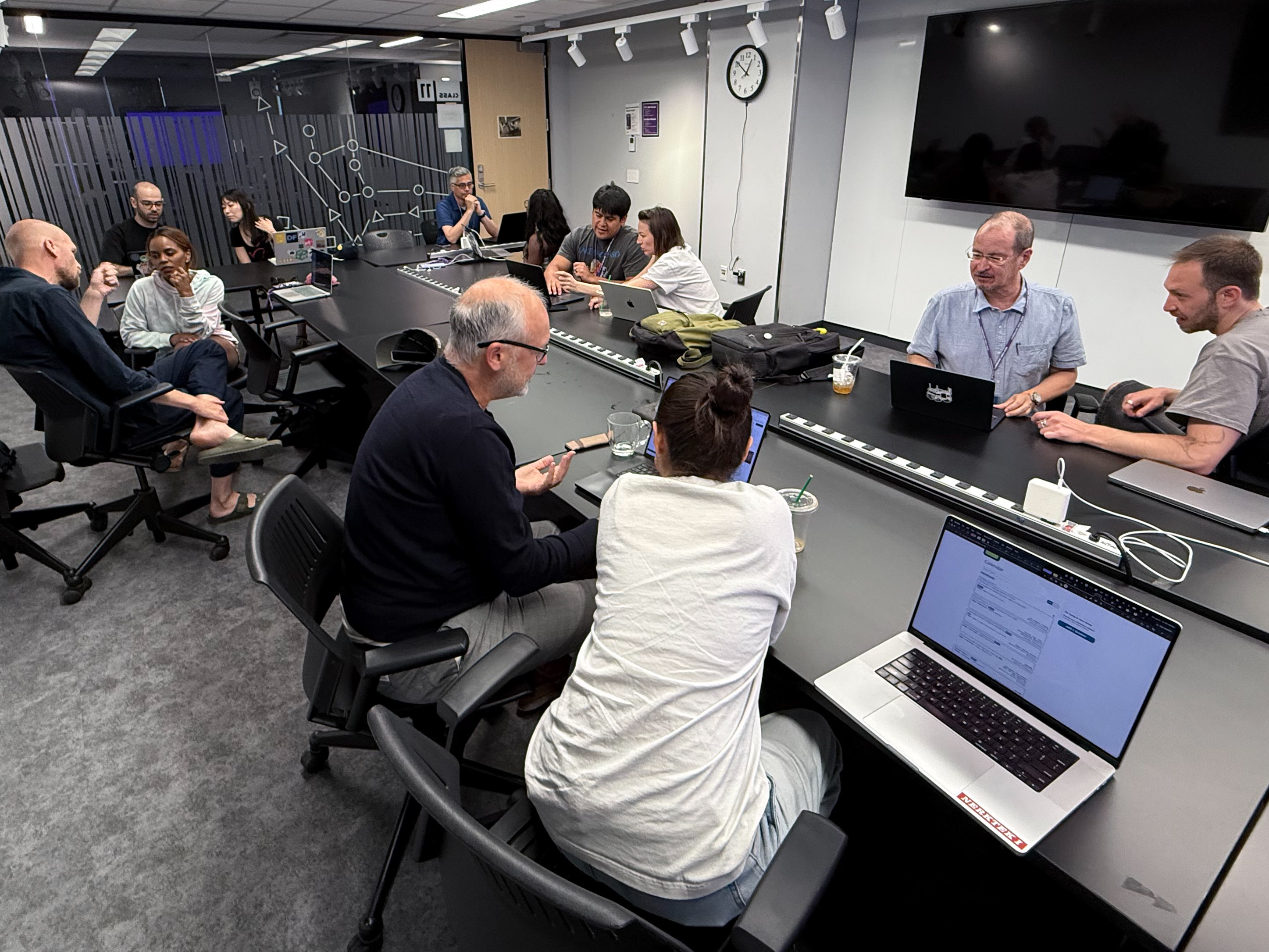
This observation became the basis for a session I led at ITP Camp called Taming Your Coding Agents. As I prepared for the session, I realized that many of the techniques I’ve adopted over the last year fit into four categories:
- Intent
- Capabilities and Constraints
- Verification
- Workflows
The goal isn’t to eliminate prompting. Prompting still matters. Instead, it’s about creating systems that help keep coding agents aligned with your intentions as a project grows.
Intent
The Problem
Agents optimize for whatever goal is most visible.
When the goal is unclear, they often produce technically correct but strategically wrong solutions. This won’t be a problem if you’re just generating a simple website, but as the amount of generated code grows, the risk of misalignment grows with it.
What I do
I generally find it helpful to start by having a long conversation with an LLM about the project. This can be a free-form conversation where you share your vision for the project, your goals, and your values. The goal is to get the LLM to understand what success looks like for the project without committing to any hard artifacts, implementation details, or code.
Let the LLM ask questions and challenge your assumptions. This is a great way to get on the same page about the project before diving into code.
At some point in the conversation, I’ll let the LLM know that I want to write a project brief that I’ll share with a coding agent. This is a signal for the LLM to start distilling the conversation into a more concise format that can be easily referenced by the coding agent.
From there, I’ll have my coding agent read the project brief and output a few artifacts that will help guide the development process.
At the end of this stage, I usually have a repo of markdown files that looks like this:
- AGENTS.md
- PROJECT_BRIEF.md
- README.md
- wiki/
- PRODUCT.md
- ARCHITECTURE.md
- ENGINEERING.md
- DESIGN.md
- MARKETING.md
It’s important to note (to yourself, but also to your agent) that these artifacts are living documents. As the project evolves, so should these documents. They should be updated regularly to reflect any changes in the project’s goals, values, or direction.
Principle
Intent: Agents need to understand what success looks like.
Capabilities and Constraints
The Problem
Even when agents understand the goal, they still need to understand the environment they are operating within. Coding agents come packed with enormous knowledge and capabilities, but for some areas it can feel like working with a generalist when what you need is a specialist.
What I do
Capabilities
Once I have my intent artifacts in place, I like to have a conversation with an LLM about the capabilities and constraints of the project. This is a great way to get on the same page about what tools and resources are available, as well as any boundaries that should not be crossed.
First, I’ll look at our intended architecture and stack and see if there are any skills, plugins, or MCPs that are relevant. The LLM won’t always know about the latest of these tools, so it’s important to do your own legwork here in addition to the LLM conversation.
From there, I’ll take a broader view of the project and think about what other capabilities might be relevant. This can include things like marketing, copywriting, or even project management.
Additionally, I’ll discuss with the LLM what subagents might be useful for the project.
At the end of this stage, I might have some of these artifacts in place:
- Skills
- Plugins
- MCPs
- Subagents
- Domain documentation
For example, I might create a dedicated SEO reviewer, documentation writer, or architecture reviewer rather than asking a single general-purpose agent to do everything. This repo has an “Astro Architect” subagent that is responsible for all Astro-specific knowledge during the planning process.
Constraints
Next, I’ll have a conversation with the LLM about constraints. This is a great way to set boundaries for the project and ensure that the agents understand what they should not do. This can include things like localization requirements, security considerations, and requiring explicit approval for certain actions like dependency installs or deployments.
It’s important to note that documenting constraints is important, but it’s equally important to have systems in place to enforce those constraints. This can include things like configuring your agent’s runtime environment to hard block certain actions, but also automated checks, code reviews, and CI/CD pipelines that catch issues before they make it into the codebase.
Principle
Capabilities and Constraints: Give agents tools to succeed and boundaries they should not cross.
Verification
The Problem
If we let agents run wild, they may violate best practices or introduce unrelated bugs or regressions. It becomes easy to miss these issues and start racking up tech debt. The good news is that we can mitigate some of these risks through deterministic checks.
What I do
Before we start writing code, I make sure to have some baseline checks in place. These checks can be automated and should be designed to catch common issues before they make it into the codebase.
By the end, I generally at least have npm scripts that look something like this:
npm run check # This is a script that runs all of the checks below
npm run check:lint
npm run check:type
npm run check:dead
npm test
The goal is moving as much review work as possible from humans and LLMs to traditional machines. And once your agents are trained to execute these checks as part of definition-of-done, they can work autonomously with the checker outputs to bring you work that is aligned with your expectations. It’s a great way to keep the vibe on the rails.
Below is a little more detail on each of these checks.
Linting
Linters are a great way to catch stylistic issues and enforce coding standards. They can help ensure that the codebase remains consistent and readable, which is especially important when working with agents that may not always produce code in a consistent style.
For JavaScript/TypeScript projects, I use ESLint. The rules I choose depend on the project, but I typically will set up rules that enforce a max-lines limit of 500 lines per file. This is a great way to encourage modularity and prevent the codebase from becoming too unwieldy.
Type Checking
For TypeScript projects, I use the built-in type checker. This is a great way to catch type-related issues before they make it into the codebase. It can help ensure that the code is more robust and less prone to runtime errors.
When the type checker is set to flag any types, it can also help catch instances where the agent is taking shortcuts and not providing enough type information.
Dead Code Detection
Knip is a great tool for catching unused dependencies, unused exports, unused files, and other dead code. This is especially important when working with agents that may not always be mindful of cleaning up their code.
Unused code and dependencies can bloat the codebase and introduce security vulnerabilities, so it’s important to catch them early.
Testing
Testing is a great way to catch functional issues and ensure that the code is working as intended. This can include unit tests, integration tests, and end-to-end tests.
When working with agents, it’s important to have a good test suite in place to catch any issues that may arise from the generated code. This can help ensure that the code is not only syntactically correct but also functionally correct.
Using the superpowers plugin, you can even have the agents attempt test-driven development, where they write tests first, run a “red pass” where all tests fail, and then implement code to satisfy the tests. This is a great way to ensure that the code is being written with testing in mind from the start.
Principle
Verification: Create automated systems that challenge code before humans need to.
Workflows
The Problem
As the codebase grows, it becomes increasingly important to have systems in place for how changes move through the project. This can include things like branching strategies, pull requests, CI/CD, release checklists, protected branches, and deployment approvals.
What I do
A prime area to focus on is version control workflows, including areas like branching strategies, pull requests, CI/CD, release checklists, protected branches, and deployment approvals. These systems can help ensure that changes go through predictable processes and are reviewed and vetted before they make it into the main codebase.
You might not need to dial all of this in at the very start of the project, but it’s good to have a plan for how you want to evolve your workflows as the project grows. This can help ensure that you have systems in place to keep your coding agents aligned with your intentions as the project scales.
By the end of this stage, I generally have some of these artifacts in place:
- Branching strategies
- Pull requests
- CI/CD
- Release checklists
- Protected branches
- Promotion paths (dev → staging → main)
- Deployment approvals
Principle
Workflows: Control how changes move through a system.
Putting It Together
Intent tells agents what success looks like.
Capabilities and constraints define the environment they operate within.
Verification challenges their work.
Workflows control how that work reaches production.
Intent
    ↓
Capabilities & Constraints
    ↓
Verification
    ↓
Workflows
Each layer reinforces the next.
Most discussions about AI coding focus on prompting. Prompting matters, but in larger projects, alignment increasingly comes from stable systems rather than prompts alone.
The better your systems become, the less you have to rely on the model correctly guessing your intentions from a prompt. This is how you tame your coding agents and keep your vibe on the rails.